What does the play button show?
The Lexilize play button progress indicator shows how your learning is progressing in each category. You can choose between two display styles: Normal and Extended.
Both styles open the same learning options when tapped. The difference is the information displayed inside the button.
Normal: progress as a percentage
The normal style displays your category’s overall learning progress as a percentage, such as 40%.
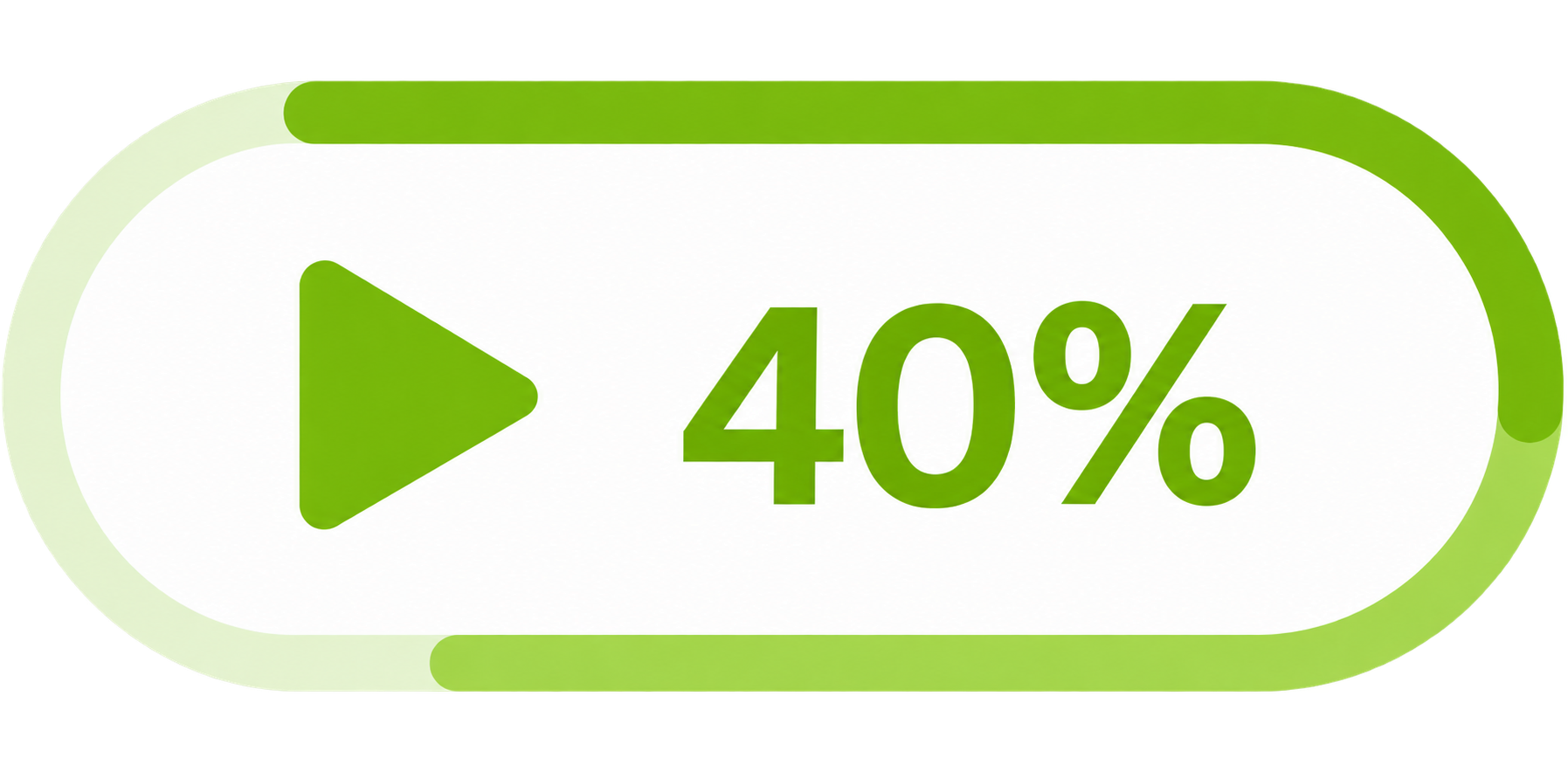
This percentage reflects how far the words have progressed through the learning stages, including spaced repetition. It does not simply mean that 40% of the words are fully learned.
Extended: word counts by learning stage
The Extended style replaces the percentage with three numbers: New • Learning • Fully learned.
- New – words that are still at the initial learning stage.
- Learning – words you are studying through learning games or spaced repetition.
- Fully learned – words that have reached the final learning stage.
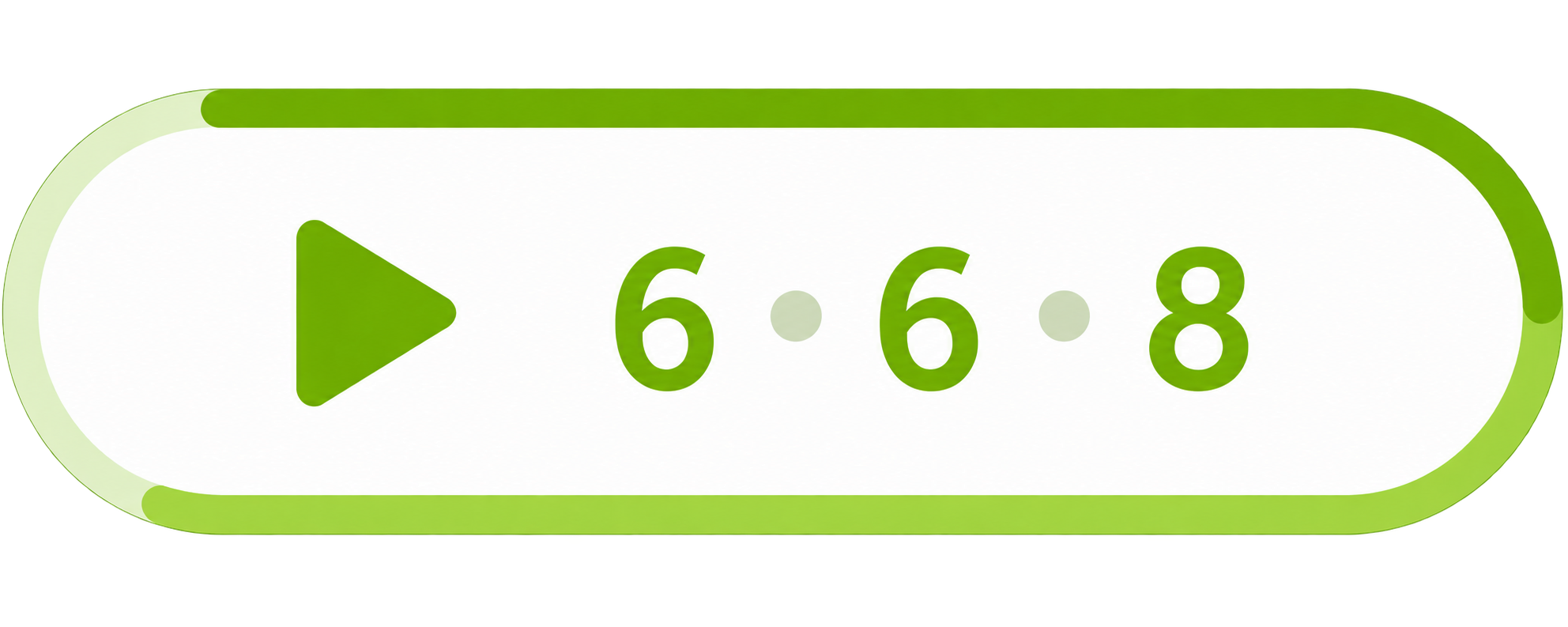
For example, 6 • 6 • 8 means that the category contains 6 new words, 6 words being learned, and 8 fully learned words.
What do the colors mean?
Both styles use the same progress outline around the button:
- Pale track: represents the whole category.
- Lighter green line: shows the proportion of words whose learning has started, including fully learned words.
- Darker green line: shows overall learning progress.
What does the small numbered badge mean?
A small badge appears when words are due for spaced repetition. Its number tells you how many words are ready to review.
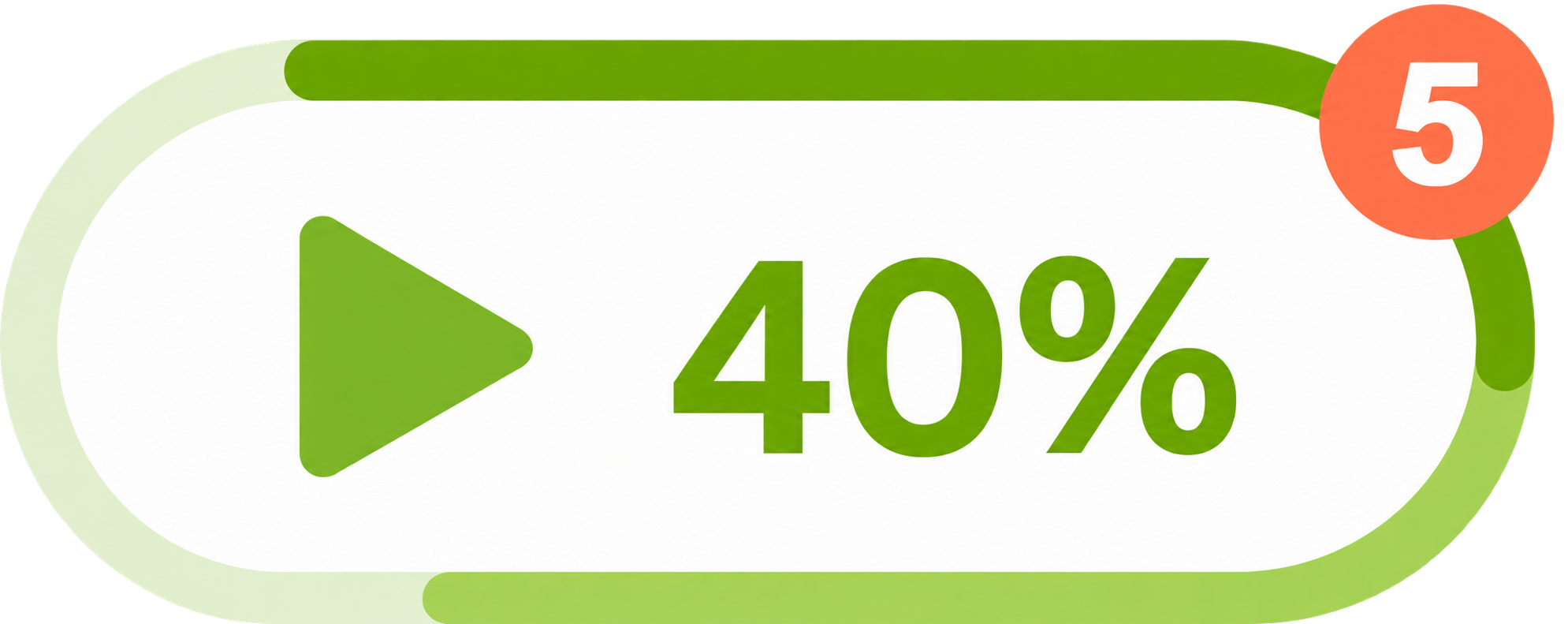
For example, 5 means that 5 words are due for review. When more than 99 words are due, the badge displays 99+.