How do I hide words from learning?
1. Long-press to select the word(s) you want to hide.
2. Tap the crossed-out eye icon in the toolbar.
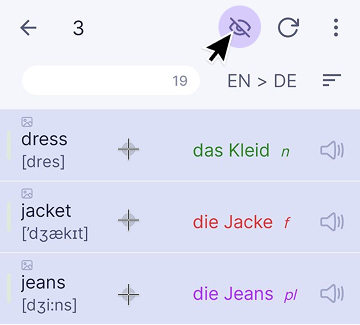
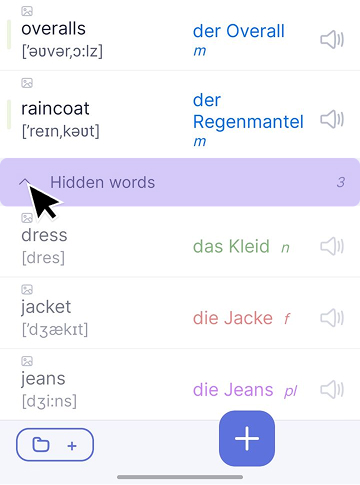
3. Hidden words move to the end of the category. To show them again, select the words and tap the eye icon.
You may also find these articles helpful: