How do I delete a language?
To delete a language, you need to delete all categories in that language.
1. Select one category with a long press.
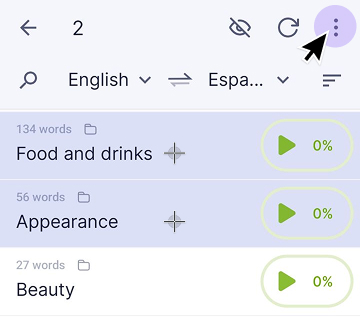
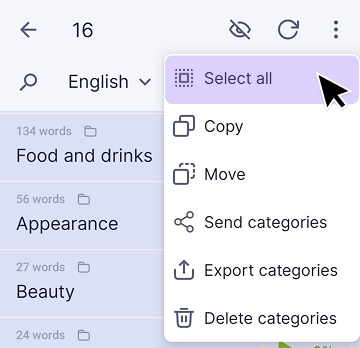
2. Tap the three-dot icon in the top-right corner and choose “Select all”.
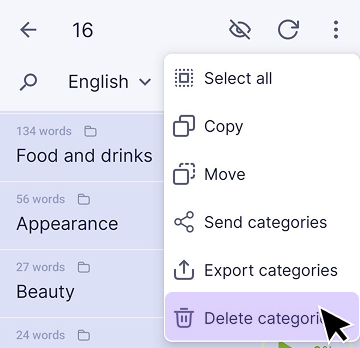
3. Choose “Delete categories.”
You may also find these articles helpful: