How do I export categories in Excel or LXF?
1. Long-press to select one or more categories.
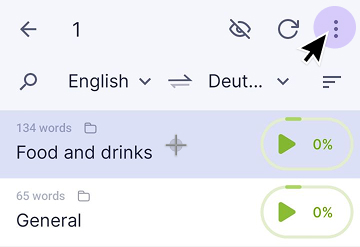
2. Tap the three dots icon in the top-right corner and select Export.
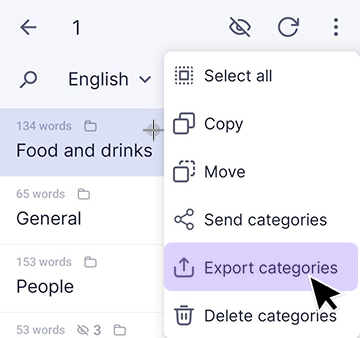
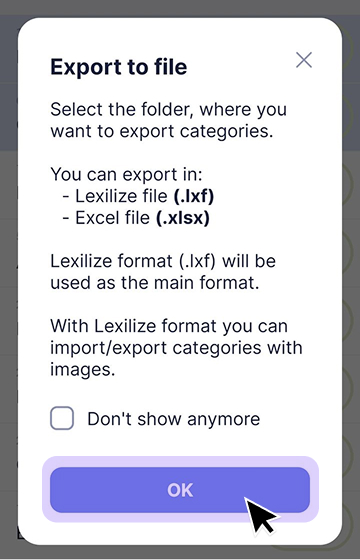
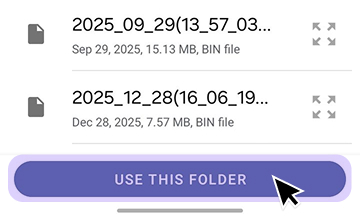
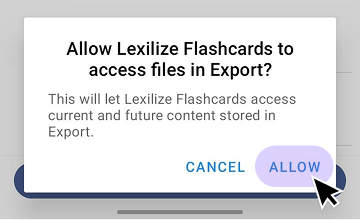
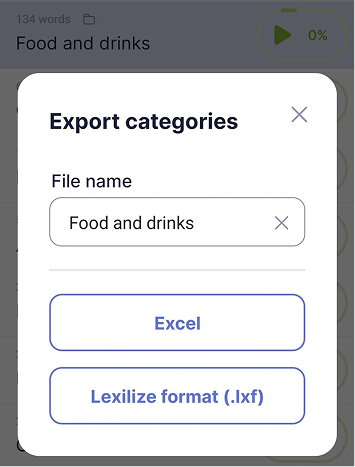
When exporting a single category, you can choose between Excel (.xlsx/.xls) and LXF formats. When exporting multiple categories at once, only the LXF format is available.
LXF is the native Lexilize format.
It preserves all category data, including images, and can be imported back into the app using the Import menu.
You may also find these articles helpful: