How do I import an LXF file?
LXF is the Lexilize file format that can contain categories with words, images, examples, transcriptions, and genders. It also keeps the file size smaller.
1. Make sure the LXF file is saved on your device
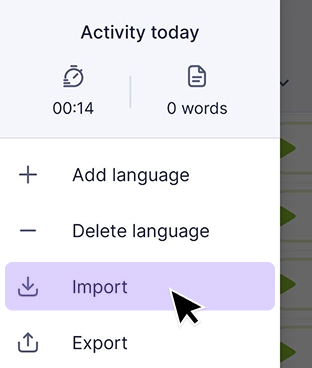
2. Open the app and select Import from the menu.
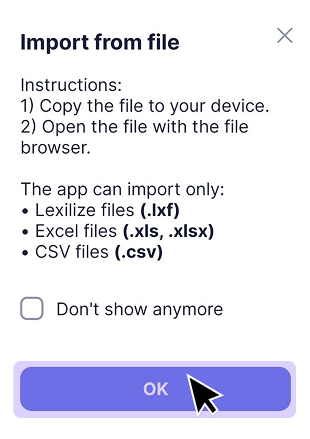
3. Choose the LXF file you want to import.
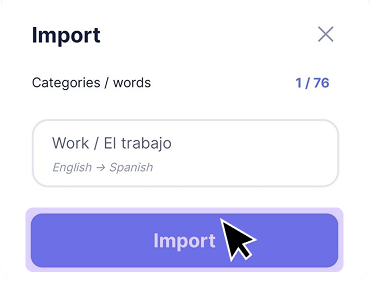
4. Review the categories that will be imported and confirm the action.
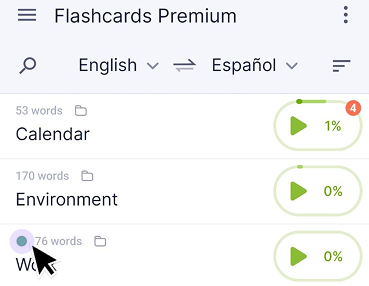
5. After the import is complete, the new categories will appear in your list marked with a green dot.
You may also find these articles helpful: